
Generate Videos
Create cinematic clips from prompts or images on the Video workspace.
WHEN TO USE
Standalone shots and motion tests without a full Studio project.
PAIRS WELL WITH
Generate Images (make a start frame first), Studio shots for full films.
💡 Video pricing scales with duration and resolution — the composer button always shows the exact cost before you commit.
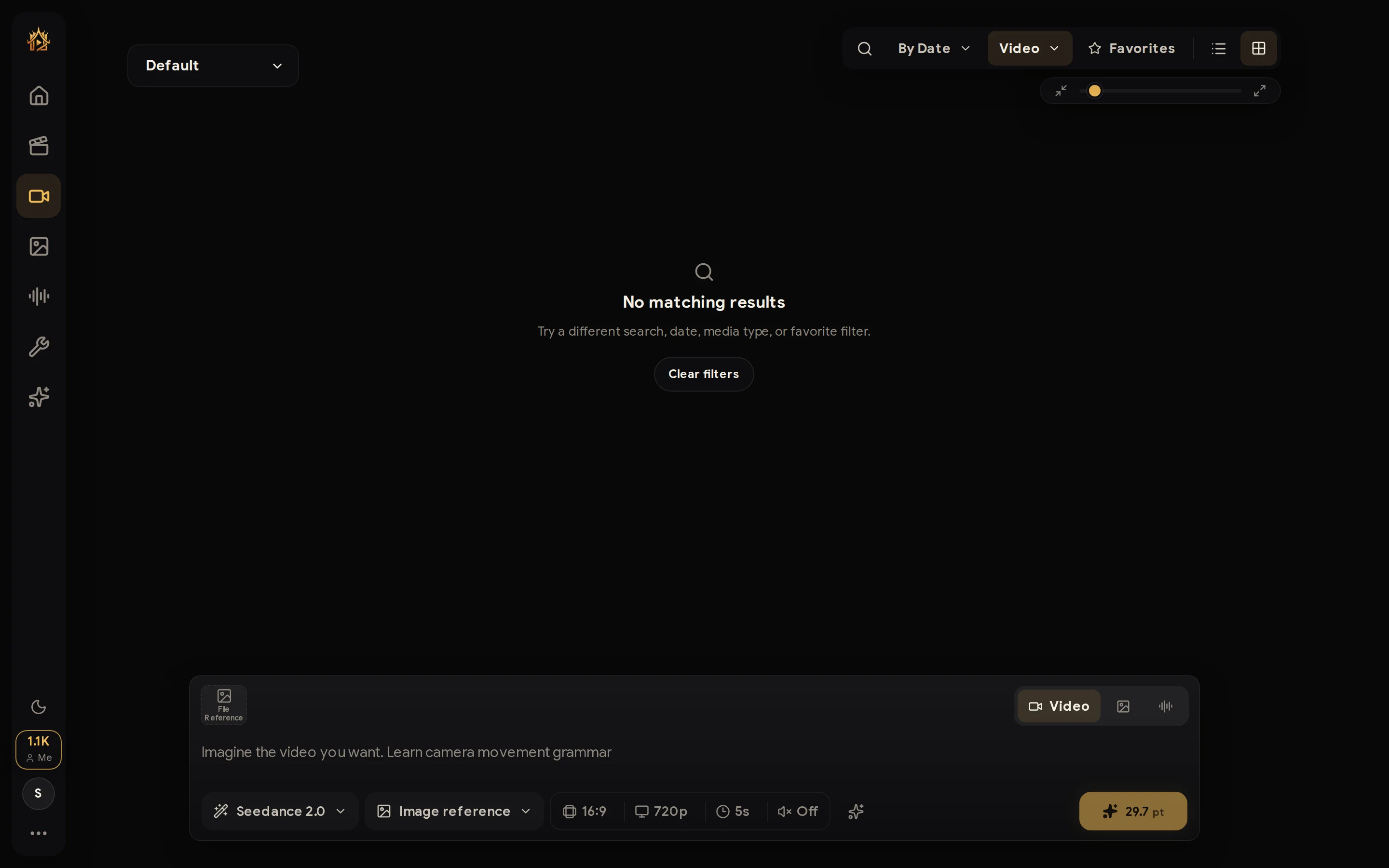
The Video workspace works exactly like the Image one — same composer, same history — but generates cinematic clips.
How to use
- Switch the composer to Video (camera icon on the right of the composer).
- Describe the shot; attach reference images (e.g. a start frame) if you have them.
- Pick the model, duration, and resolution from the controls — the gold button shows the exact point cost for that combination.
- Generate, then find the clip in your history where you can play, favorite, or download it.
💡 For multi-shot films with consistent characters, use Studio instead — the Workspace is for individual clips.