Project Settings
Members and roles, the project Library, the audit-grade Activity log, and Plans & credits — the control room of every film.
Every Studio project has a settings hub (project menu → settings): General, Members, Library, Activity log — plus the workspace's Plans & credits.
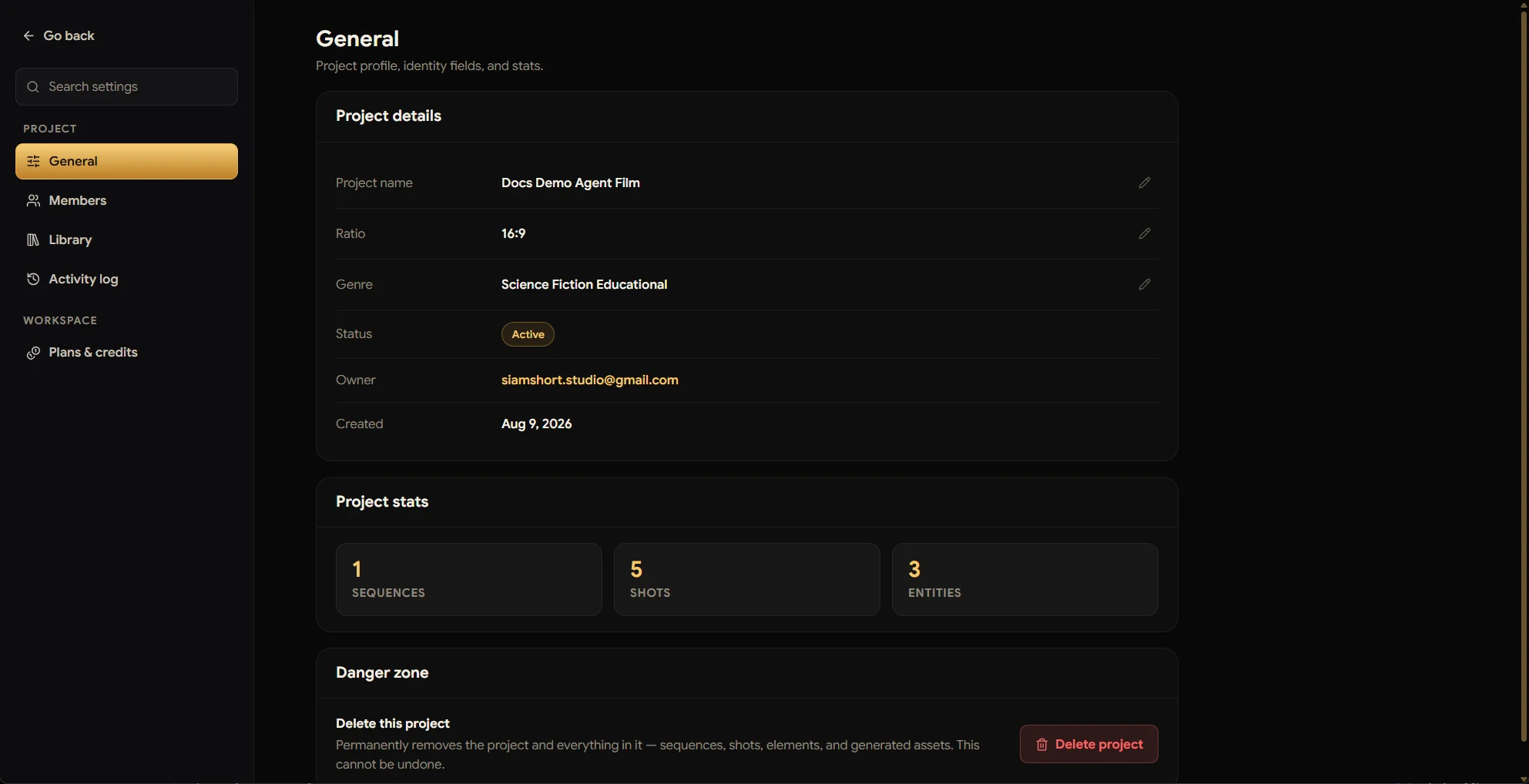
General — the project's identity card
Name, aspect ratio, and genre are editable in place (pencil icons); status, owner, and creation date sit alongside. Project stats give an at-a-glance count of sequences, shots, and entities. At the bottom, the Danger zone: deleting a project permanently removes everything in it — sequences, shots, elements, and generated assets — and cannot be undone.
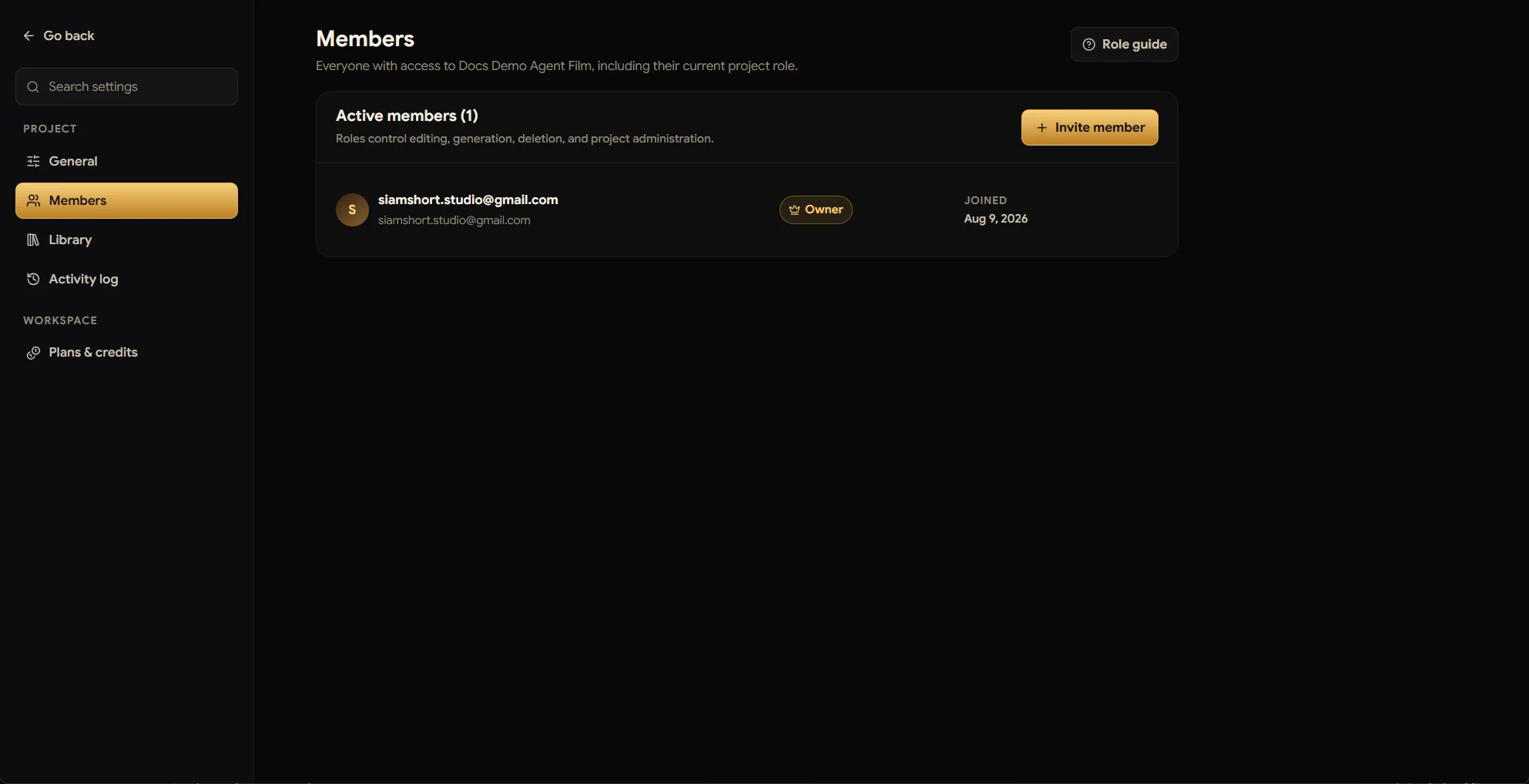
Members — a real crew, real roles
Invite collaborators by email and give each a project role — roles control editing, generation, deletion, and administration, and the built-in Role guide explains exactly what each role can do. Project roles are separate from organization roles: someone can edit this film and nothing else.
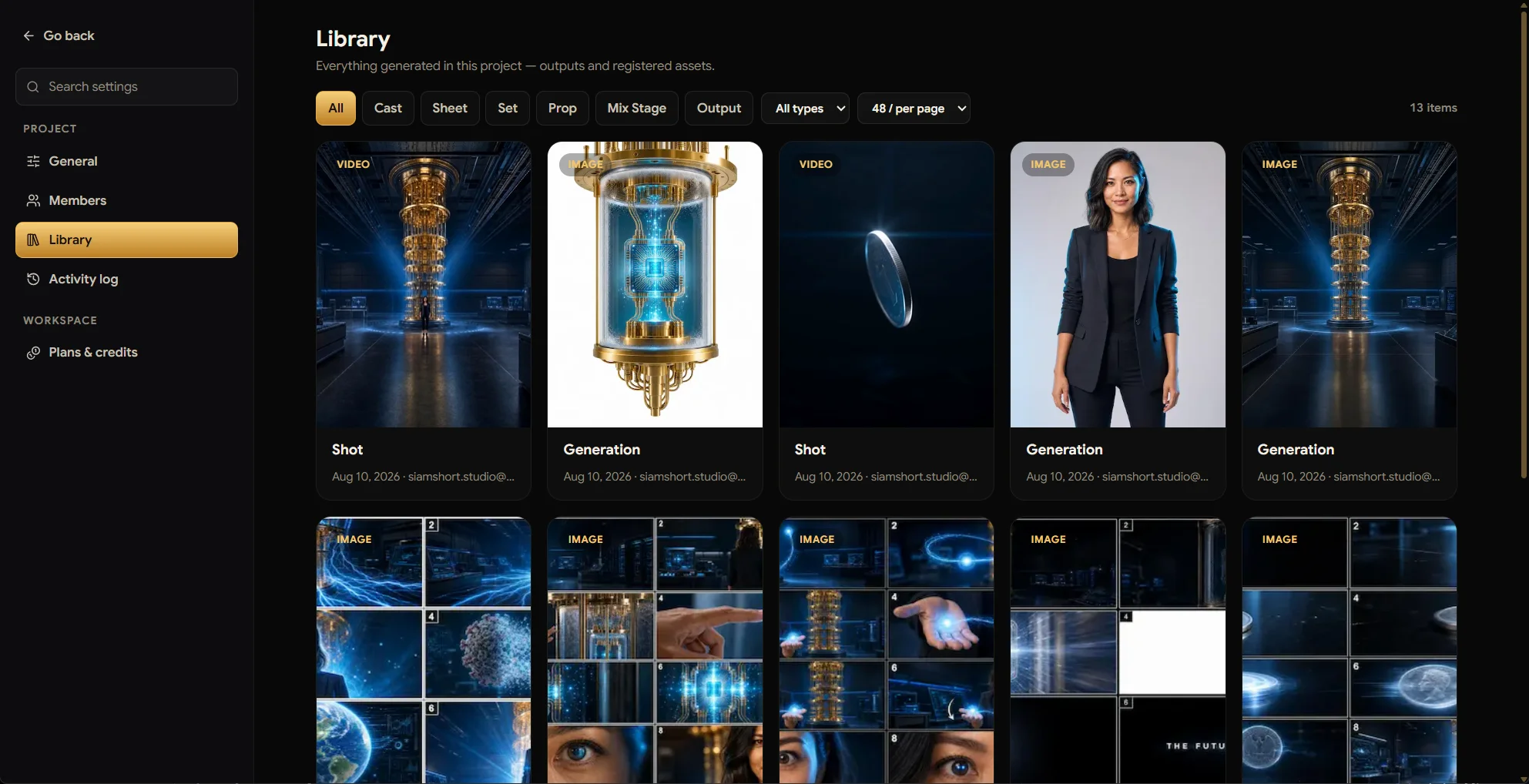
Library — everything the project ever made
Every output and registered asset in one grid, filterable by what it is: Cast, Sheet, Set, Prop, Mix Stage, Output, image or video. Generated a great frame three days ago and lost track of it? It is here, with its creator and date.
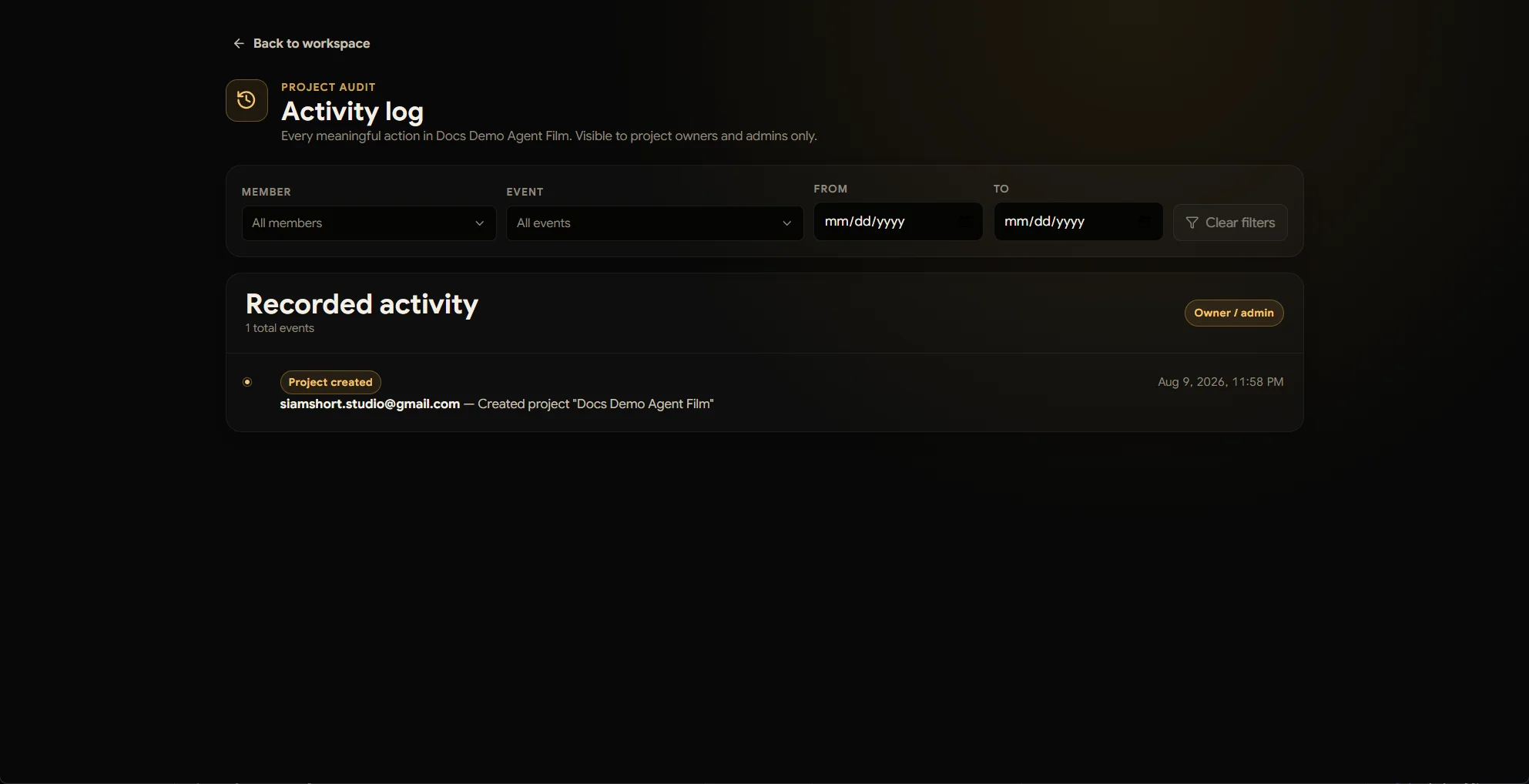
Activity log — audit-grade history
Every meaningful action — who created, generated, changed, or deleted what, and when — filterable by member, event type, and date range. Visible to project owners and admins only: accountability without micromanagement.
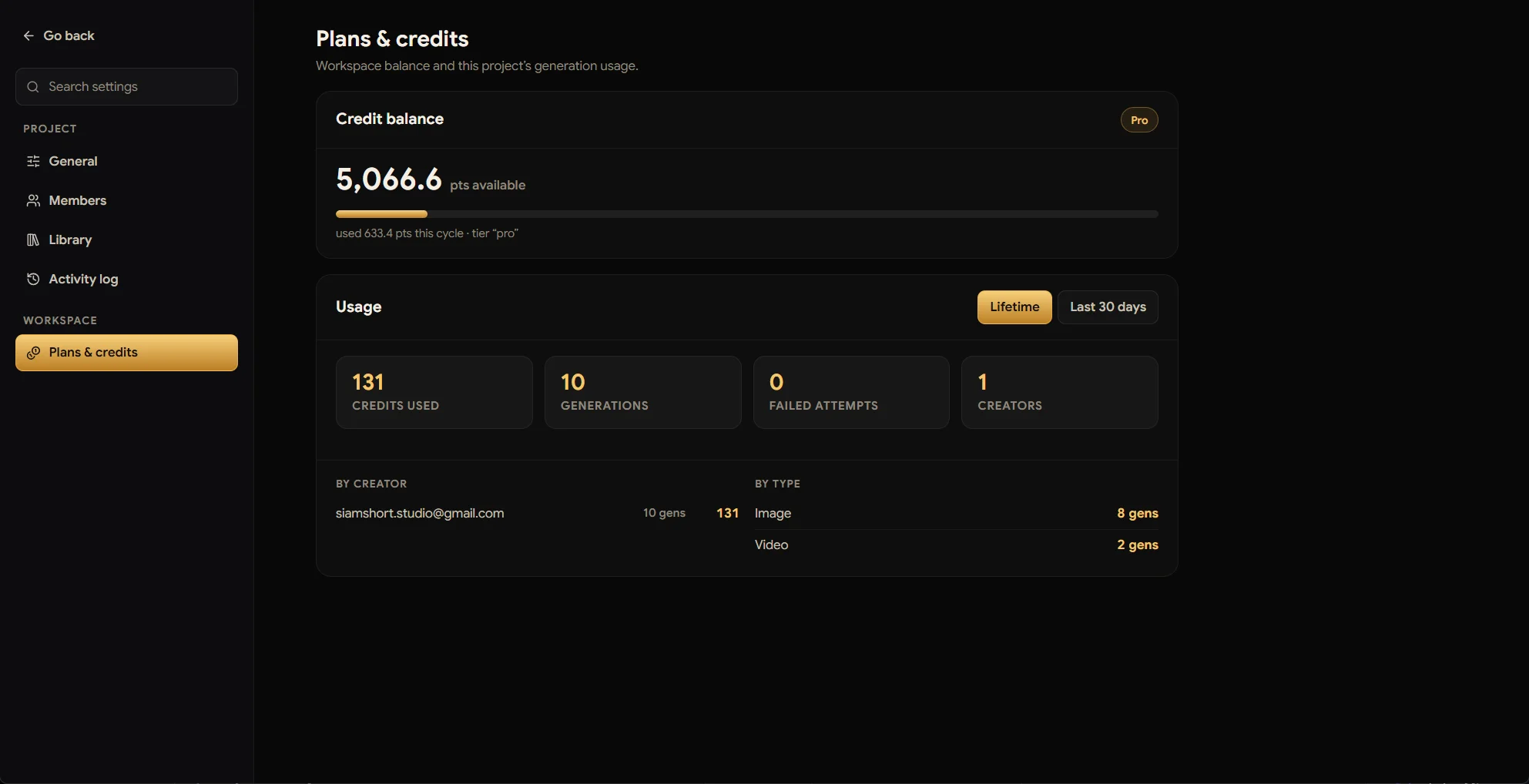
Plans & credits — the money view
The workspace balance, the tier, and this project's usage: credits used, generation count, failed attempts (auto-refunded), broken down by creator and by type. When a client asks "where did the budget go?", this page is the answer.