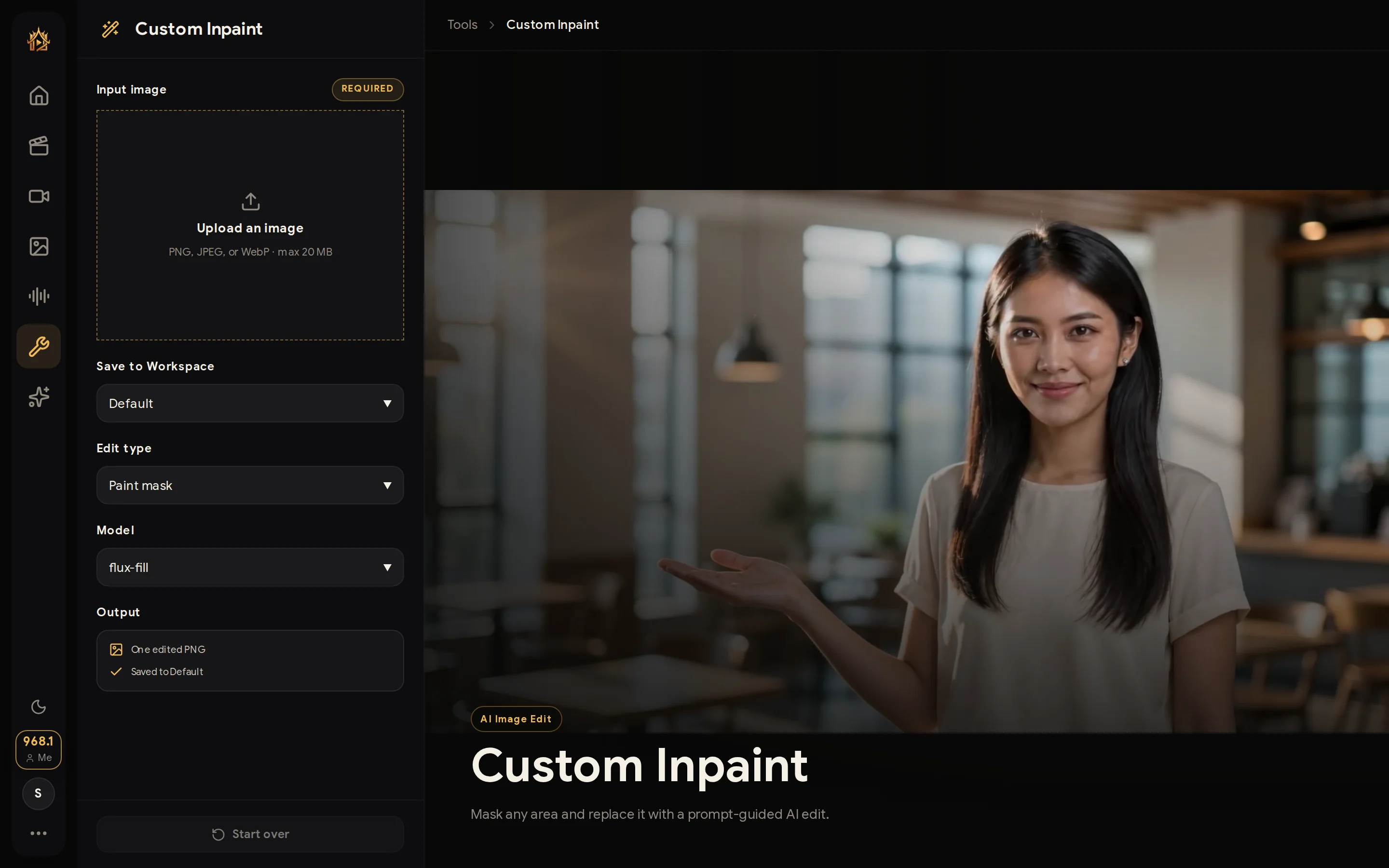
Custom Inpaint
Mask any area and replace it with a prompt-guided AI edit.
WHEN TO USE
One region is wrong — everything else must not move.
PAIRS WELL WITH
Draw to Edit (mark-driven edits), Remove Background (full-subject work).
💡 Tight masks with a small margin give the cleanest blends.
Paint over the part you want changed, describe what should be there instead, and the AI rebuilds only that region — the rest of the image stays pixel-identical.
How to use
- Upload the image and paint the mask.
- Describe the replacement.
- Generate; only the masked area changes.