
Lip Sync
Make a photo or video speak in sync with your voice track.
WHEN TO USE
Dialogue, narration, or a talking character — from a still or existing footage.
PAIRS WELL WITH
Generate Audio (make the voice first), Studio shots (character dialogue).
💡 Clean voice tracks with clear consonants sync the tightest.
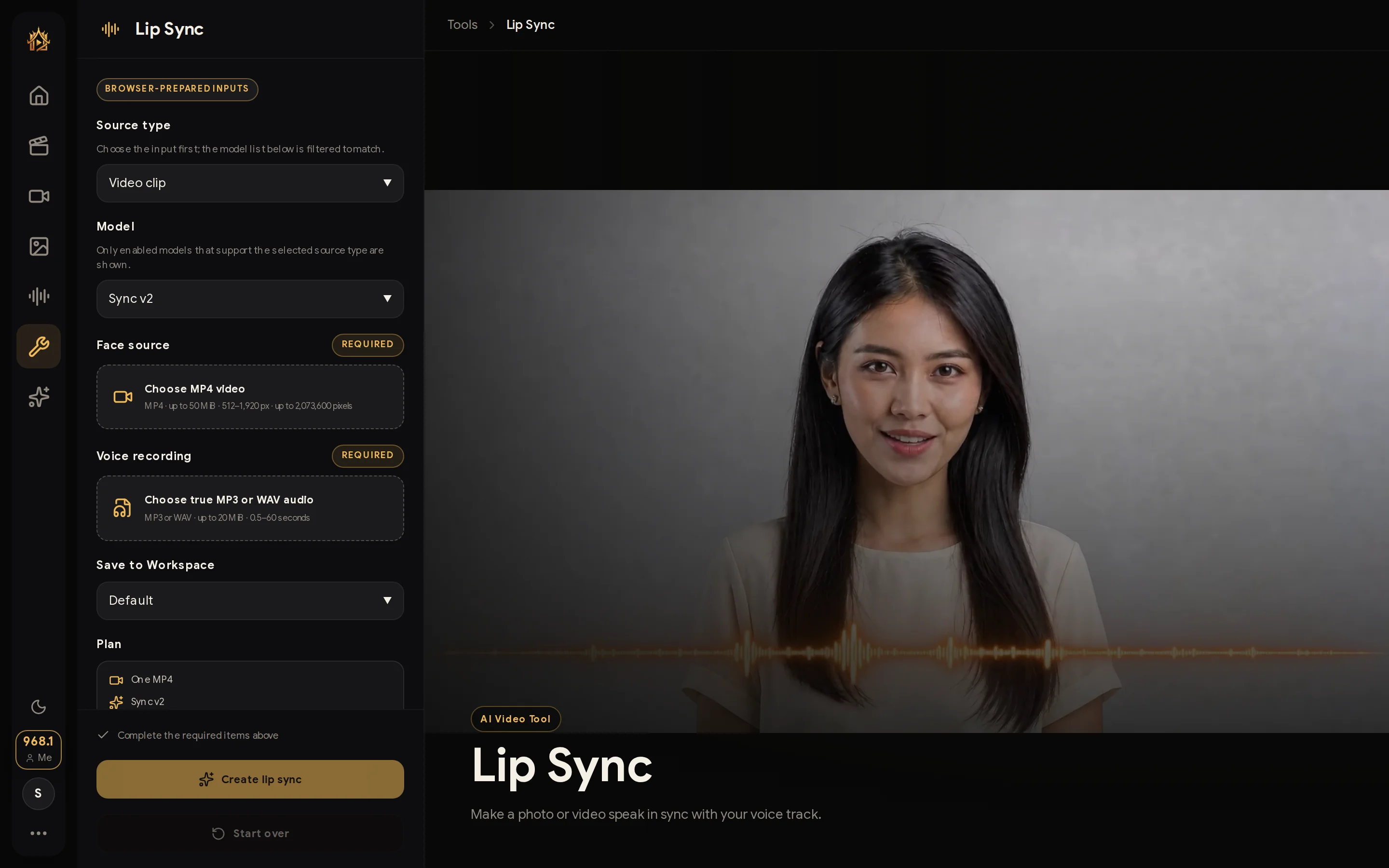
Give any face a voice: upload a photo or video plus an audio track, and the mouth movements sync to every word.
How to use
- Upload the face — photo or video.
- Attach the voice track (generate one on the Audio page if needed).
- Generate and review the synced clip.