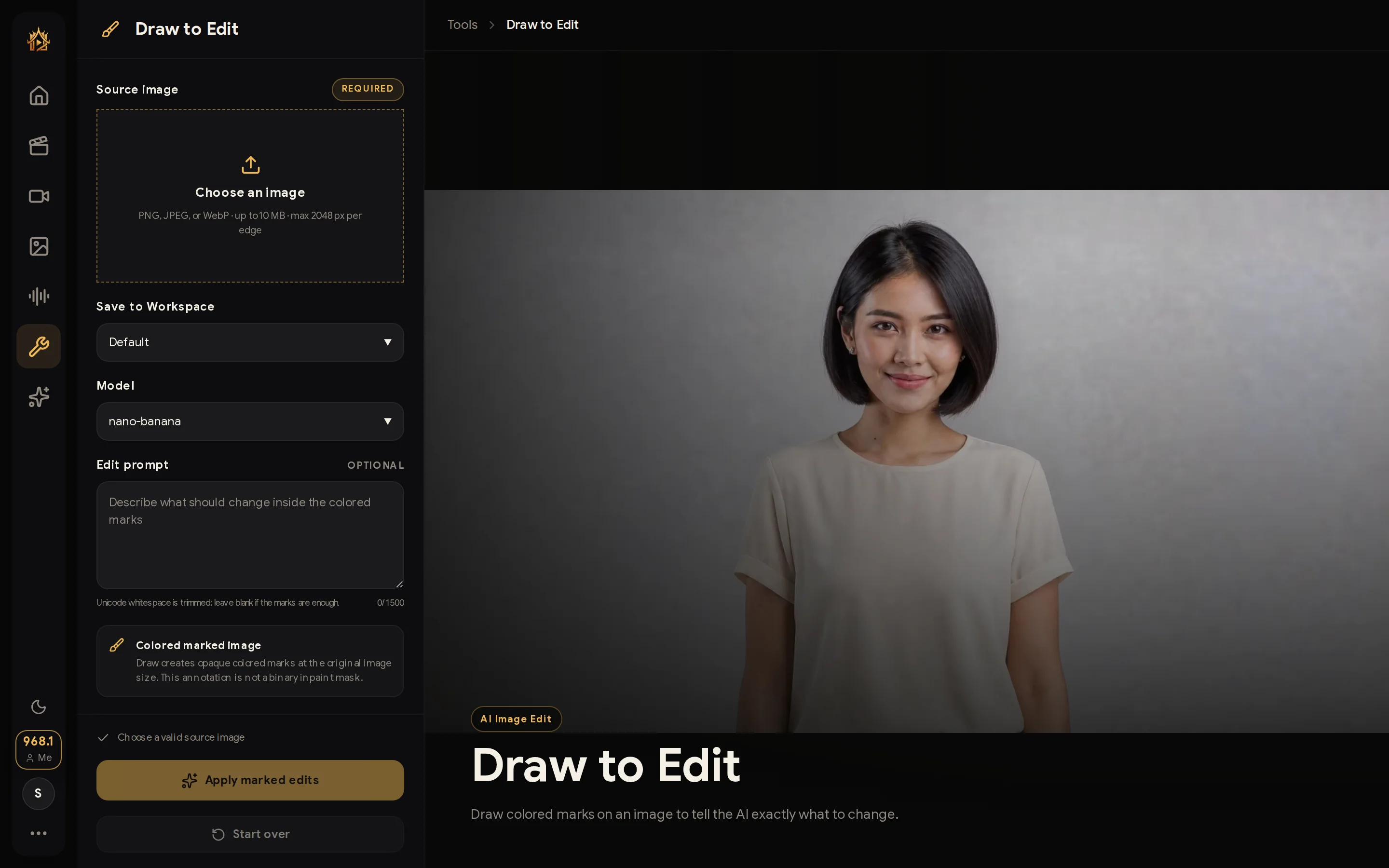
Draw to Edit
Draw colored marks on an image to tell the AI exactly what to change.
WHEN TO USE
Pointing beats describing — show the AI where and what.
PAIRS WELL WITH
Custom Inpaint (mask-based edits), Restyle tools (broader changes).
💡 Different colors = different instructions; keep each mark simple.
Sketch directly on the image — arrows, circles, colored strokes — and the AI reads your marks as editing instructions, applied exactly where you drew them.
How to use
- Upload the image.
- Draw marks where changes belong and describe each.
- Generate; marks disappear, edits appear.