Create a Film
Start a Studio project in one of two modes — Agent (chat-guided) or Canvas (node board).
WHEN TO USE
Any project bigger than a single generation: consistent characters, multiple shots, a real film.
PAIRS WELL WITH
Workspace (single generations), Tools (fix-ups along the way).
💡 The mode picks your main workflow, not your limits — both modes share the same project data.
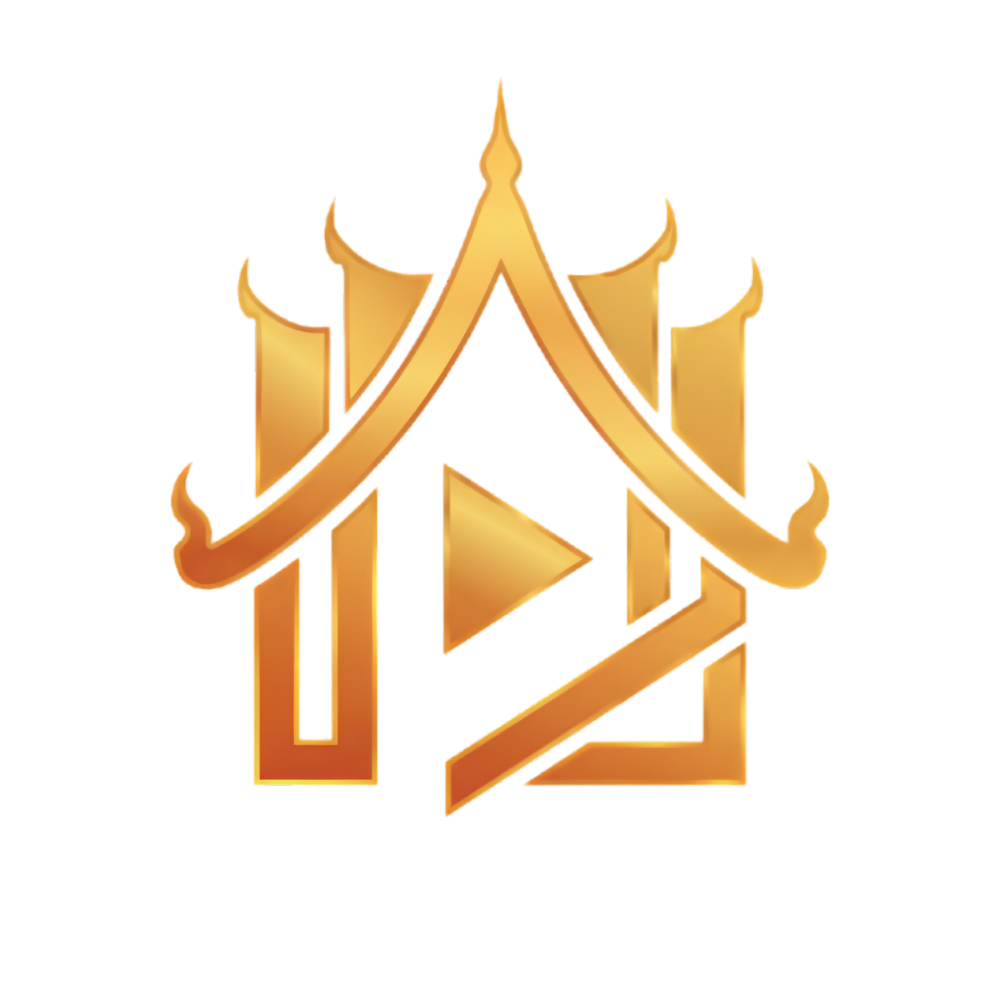
Studio is where films live: projects with cast, sets, props, shots, and everything generated for them.
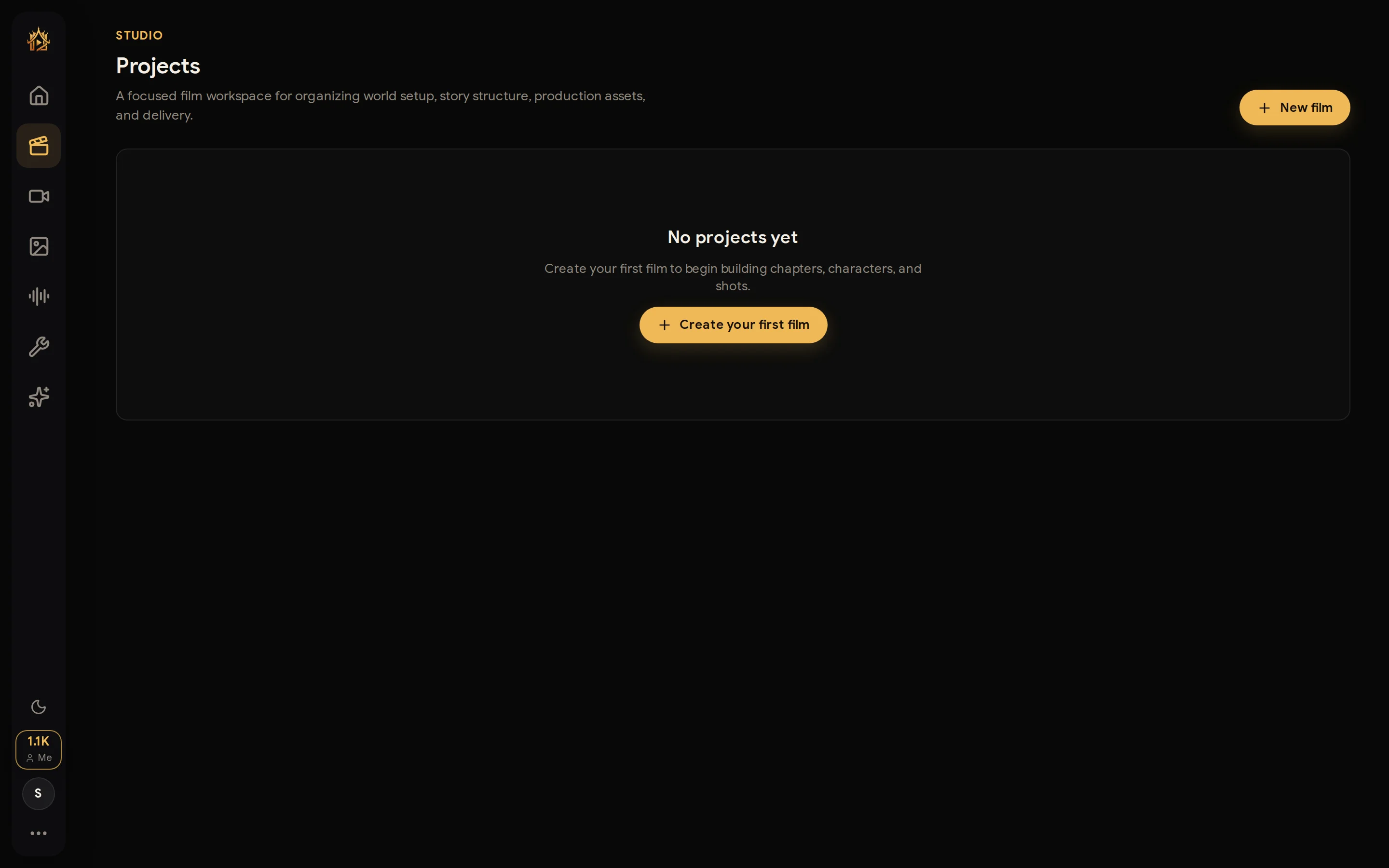
New film — pick a mode
Press New film. Step 1 asks how you want to work:
- Agent — develop the film with your AI director in a chat: brainstorm, script, elements, storyboard, and shots, all guided.
- Canvas — build visually on a node board with references and full manual control.
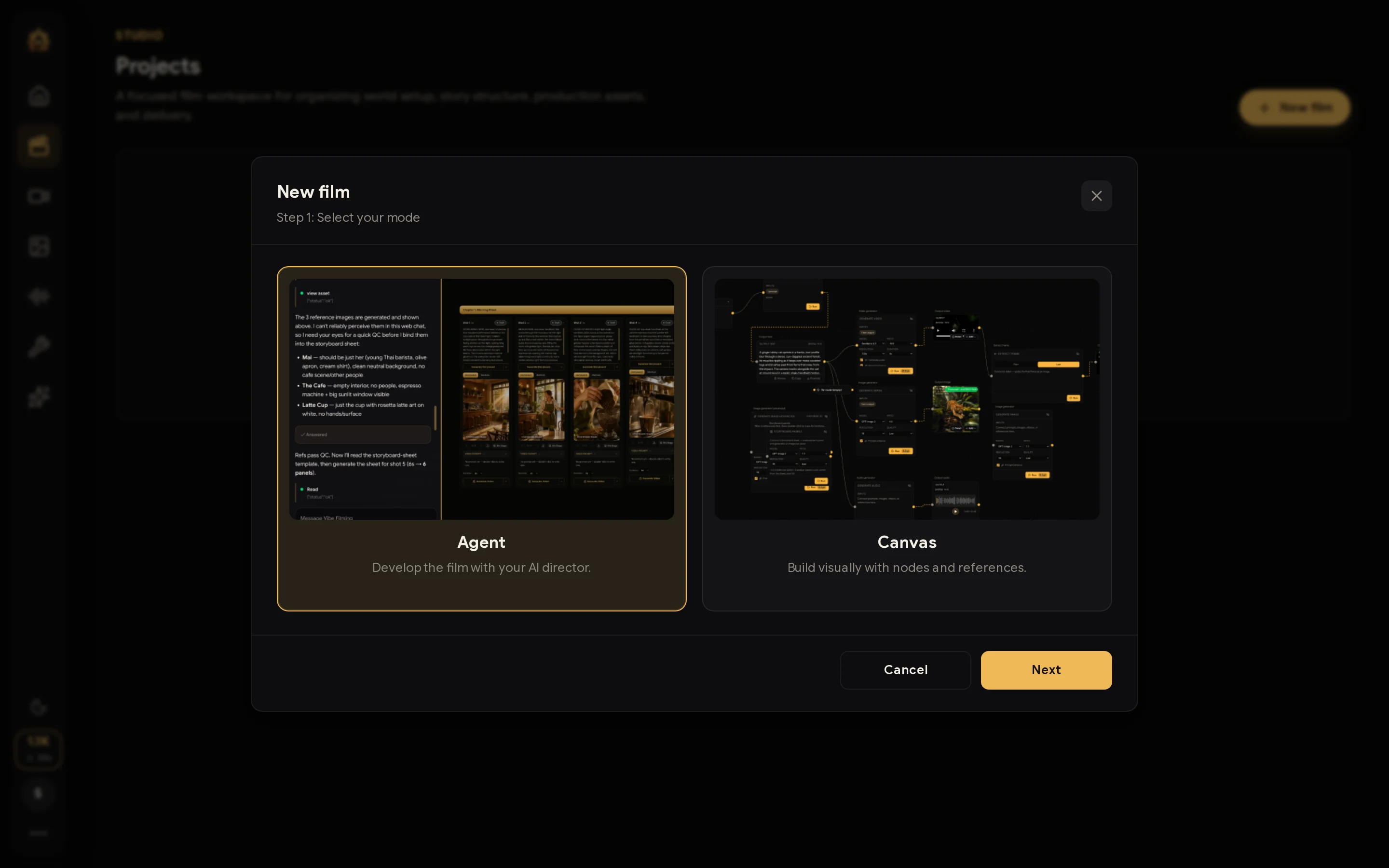
Name it
Step 2 sets the film title and a template (Music Video, Advertising, Key Visual, Viral/Social, Documentary, or Custom). Press Create film and you land in your chosen workspace.