Skills — Presets & Your Own
Ready-made director workflows you can use today, and a builder to script your own.
Skills are playbooks for the AI director — they define how it works a job: how much autonomy it takes, which gates it stops at, which surface it drives (Studio chat or Canvas).
Preset skills, ready to run
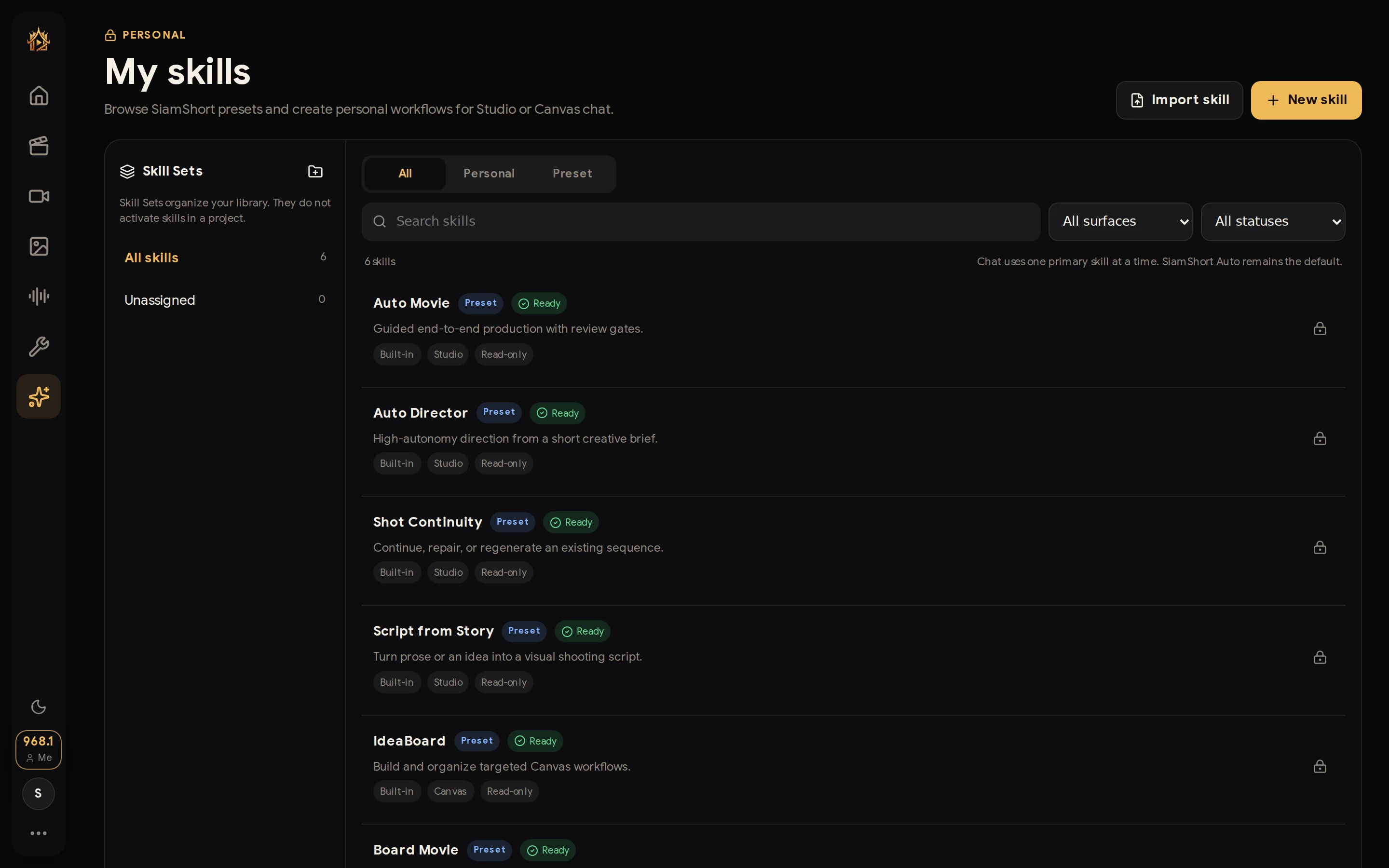
Siamshort ships built-in presets covering the whole production spectrum:
- Auto Movie — guided end-to-end production with review gates.
- Auto Director — high-autonomy direction from a short creative brief.
- Shot Continuity — continue, repair, or regenerate an existing sequence.
- Script from Story — turn prose or an idea into a visual shooting script.
- IdeaBoard — build and organize targeted Canvas workflows.
- Board Movie — full films built board-first.
Pick one from the skill selector in the Agent composer (or leave Auto-select and the director chooses). Filter the library by surface and status; Skill Sets keep a big library organised.
Build your own — with a builder that interviews you
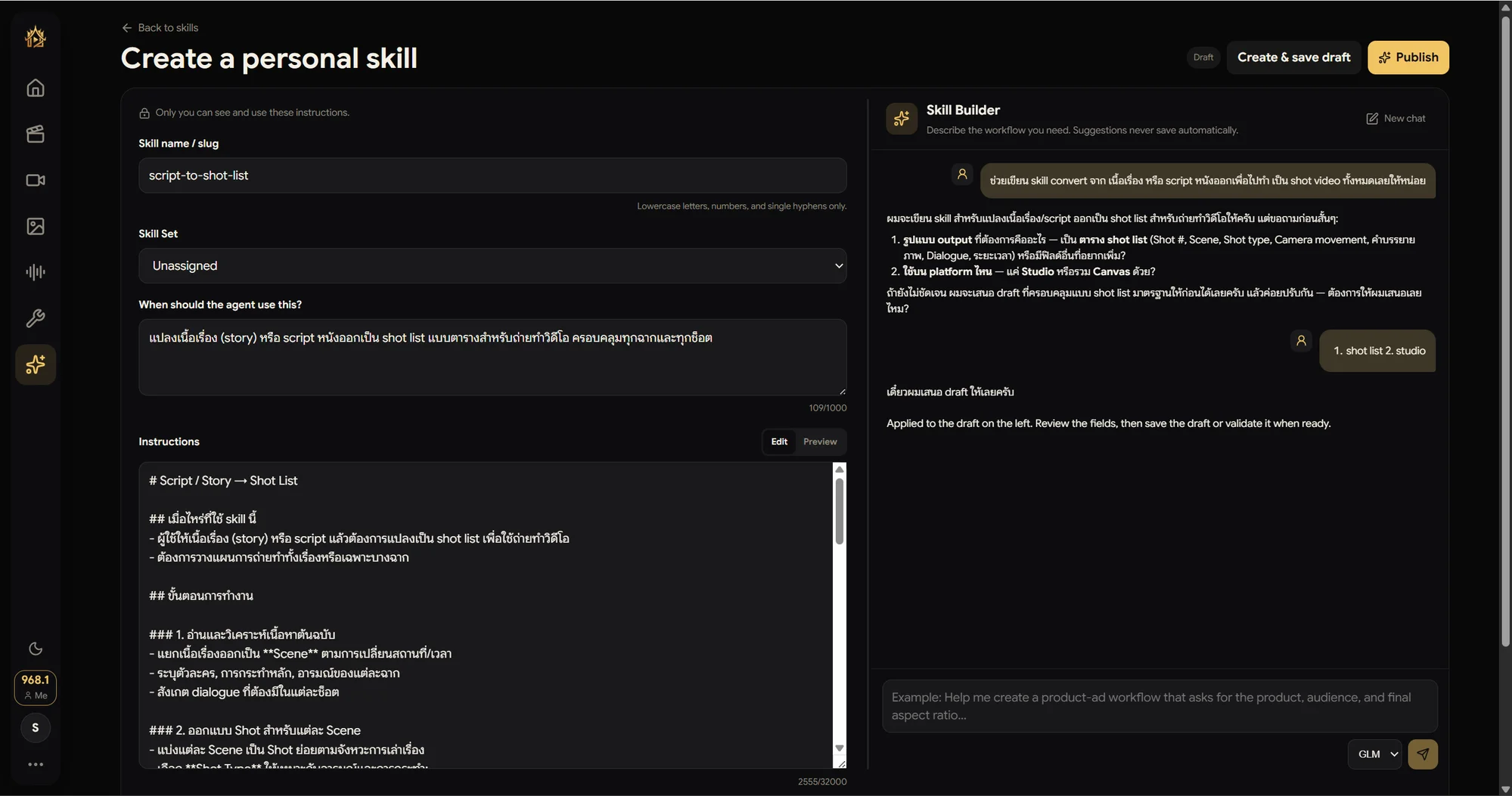
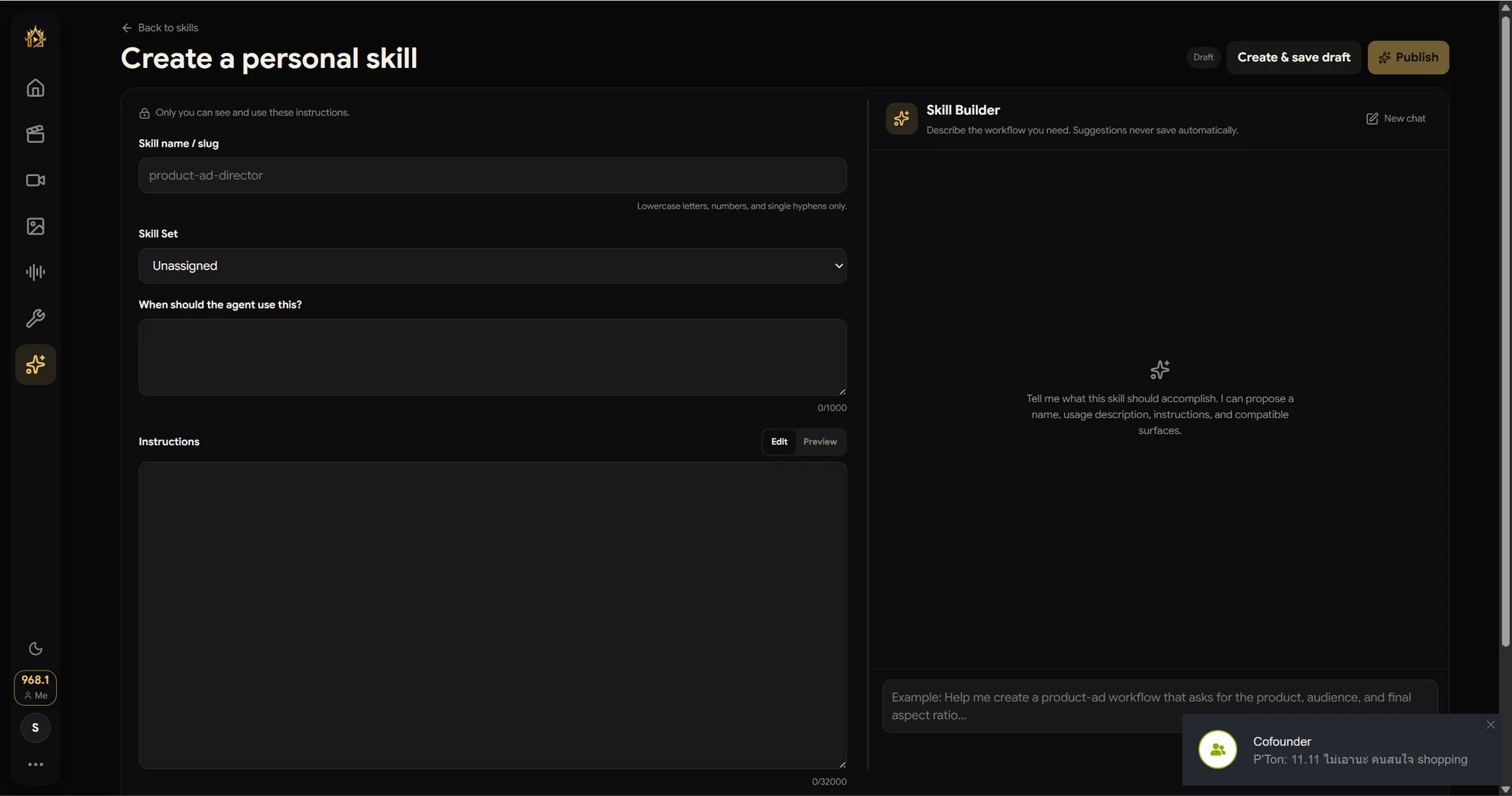
Press New skill and you get the Create a personal skill page: name/slug, an optional Skill Set, "When should the agent use this?" (how the director decides to pick it), and the Instructions — the playbook itself, markdown with live Preview. Everything is private: only you can see and use these instructions.
Don't write it alone — chat it into existence
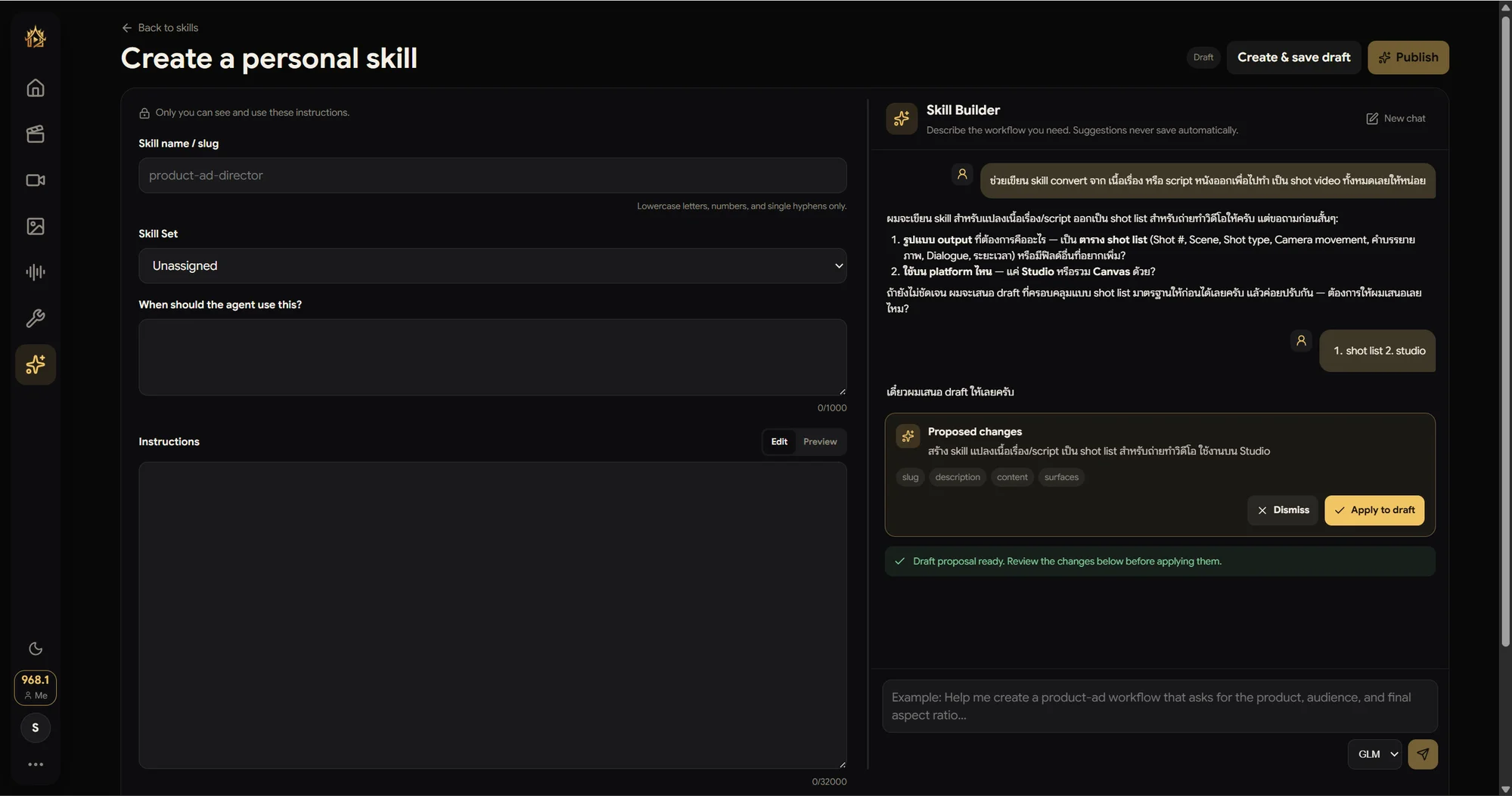
The Skill Builder panel on the right is an agent for writing agents. Tell it what you want — here, in Thai: "write a skill that converts a story or script into a full set of video shots" — and it does what a good engineer does: asks about the output format and the target surface first, then comes back with a Proposed changes card (slug, description, content, surfaces). Nothing saves automatically; you stay in control.
Apply, refine, publish
Hit Apply to draft and the whole form fills itself — a proper slug, a when-to-use line, and structured markdown instructions. Edit anything, then Create & save draft. When you Publish, the system validates the skill's syntax first — only a clean skill goes live, ready to use in Studio chat or Canvas depending on the surfaces you chose.