
Generate Audio
Text-to-speech voice-over and audio generation on the Audio workspace.
WHEN TO USE
Voice-over lines, narration, and audio beds for your cuts.
PAIRS WELL WITH
Generate Videos (pair narration with clips), Studio Mix Stage.
💡 Audio is billed per second of output — short lines cost almost nothing to iterate.
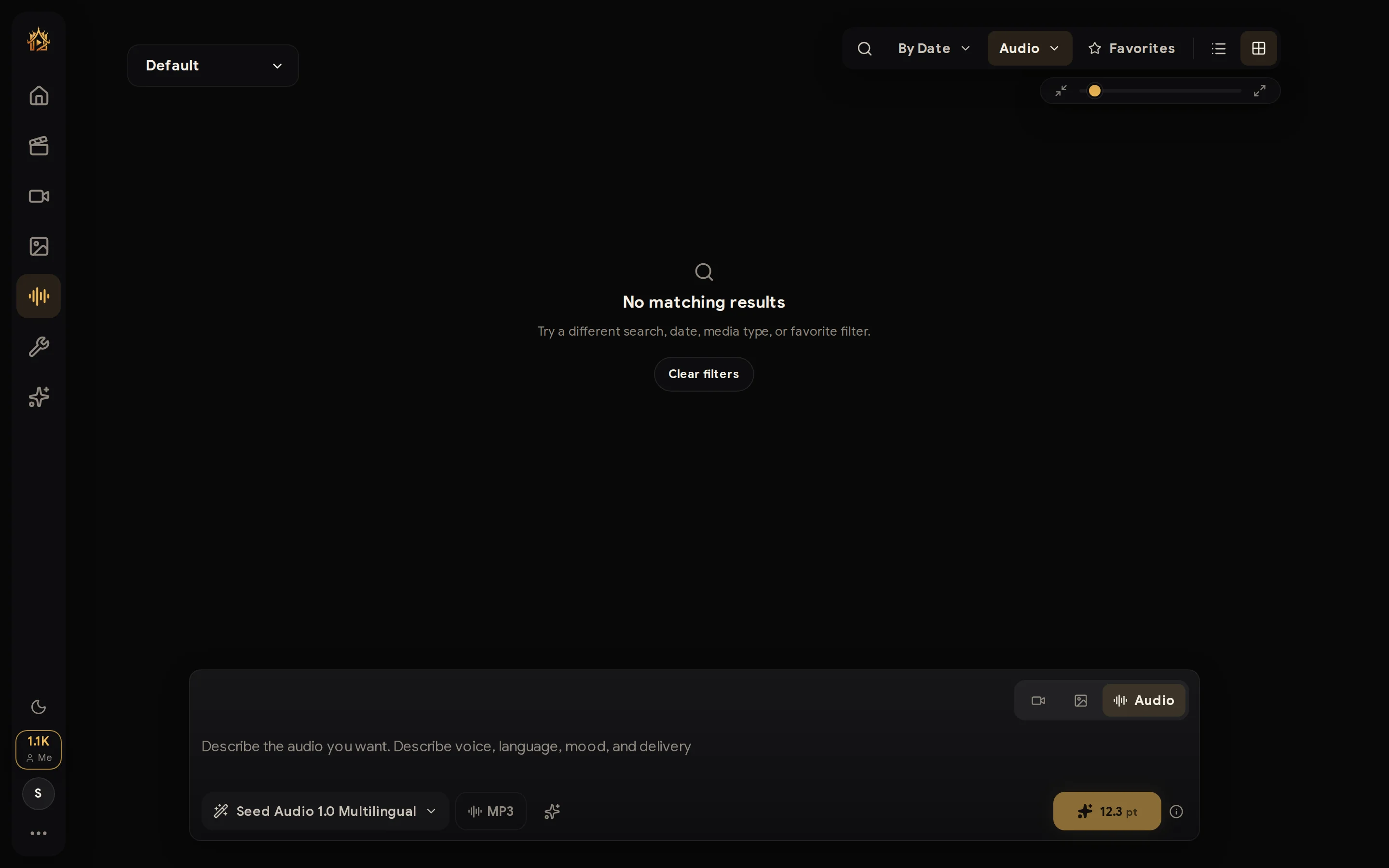
The Audio workspace generates natural voice-over and audio from text with the same composer pattern as Image and Video.
How to use
- Switch the composer to Audio (waveform icon).
- Type the line you want spoken, and pick the voice/model options.
- Generate — the result appears in history with a waveform player: play it, favorite it, or download the file.