
Canvas Mode Tour
Your film as a living board — every reference, prompt, and shot laid out where you can see and steer it.
WHEN TO USE
You think visually, iterate hard, and want your whole film's DNA on one board.
PAIRS WELL WITH
Canvas section (node-by-node guides), Agent mode (let the director draft, then take over).
💡 Nothing on the board is throwaway — every output saves to the project Library automatically.
Pick Canvas in the New film modal and your project opens as an Idea Board — a big, zoomable table where the whole film gets built in the open. No hidden state, no "where did that image go": if it exists, it is a node you can see, move, and reconnect.
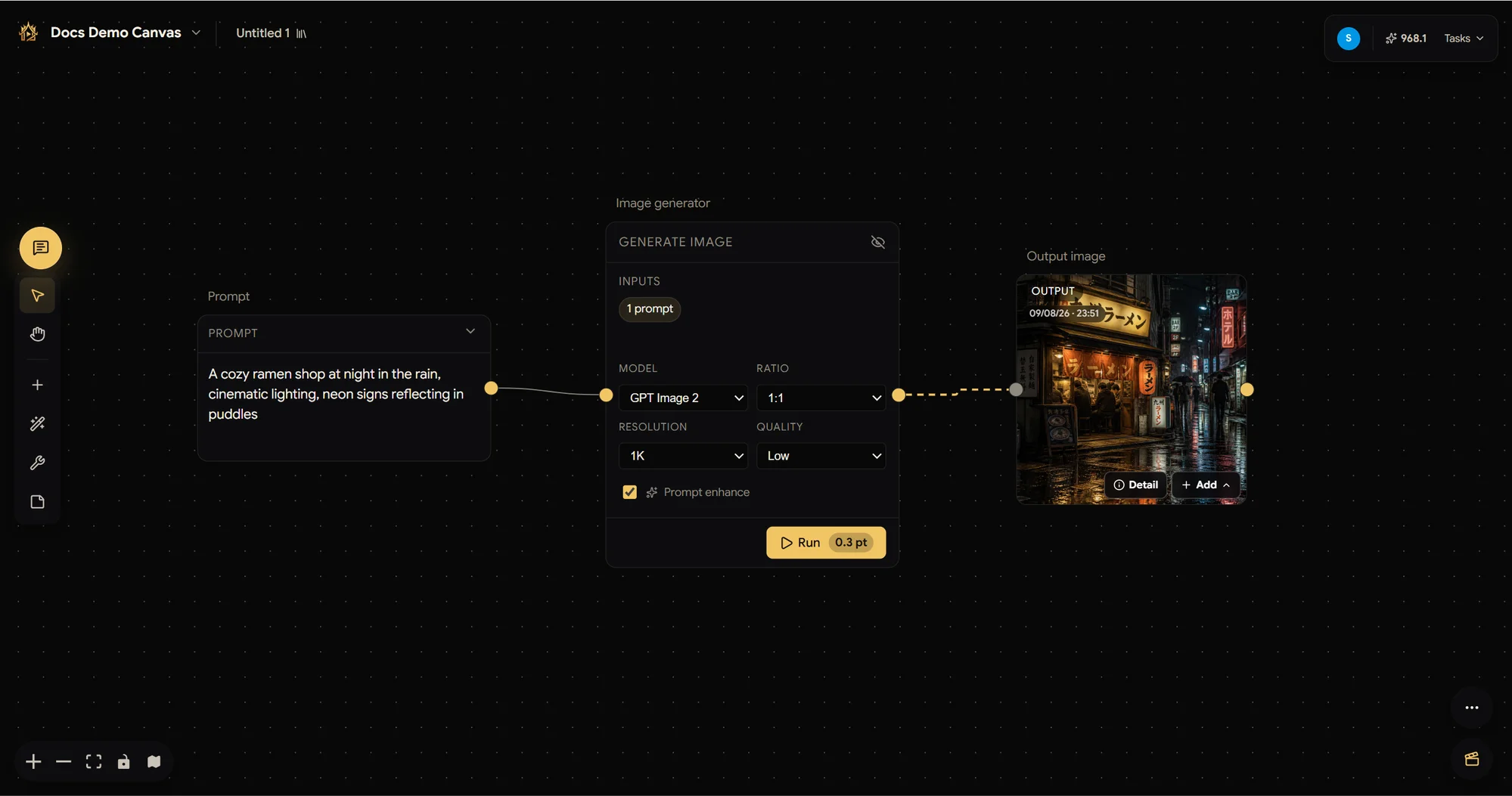
Why filmmakers love it
- See the whole film at once — references beside prompts beside outputs, grouped in frames per scene. Your board is your production binder.
- Iterate without fear — tweak one prompt, hit Run, and only that branch regenerates. Chains of nodes mean version 12 is one click from version 11.
- References everywhere — pin cast, sets, and props onto generators so every take stays on-model. The consistency machine works for you.
It's still a full Studio project
The board is the front door, not a silo — Elements, Sequence, the media Library, and members are all live behind it:
- Explore looks and generate key visuals on the board.
- Promote the winners into Elements (cast / sets / props).
- Build shots and storyboards from those elements, then cut the takes in the board's video editor (bottom-right).
💡 Want the director's help halfway? Everything the board created is right there when you open the chat — the two modes share one project.