
Depth Map
Turn any image into a grayscale near/far map for compositing, motion, and spatial effects.
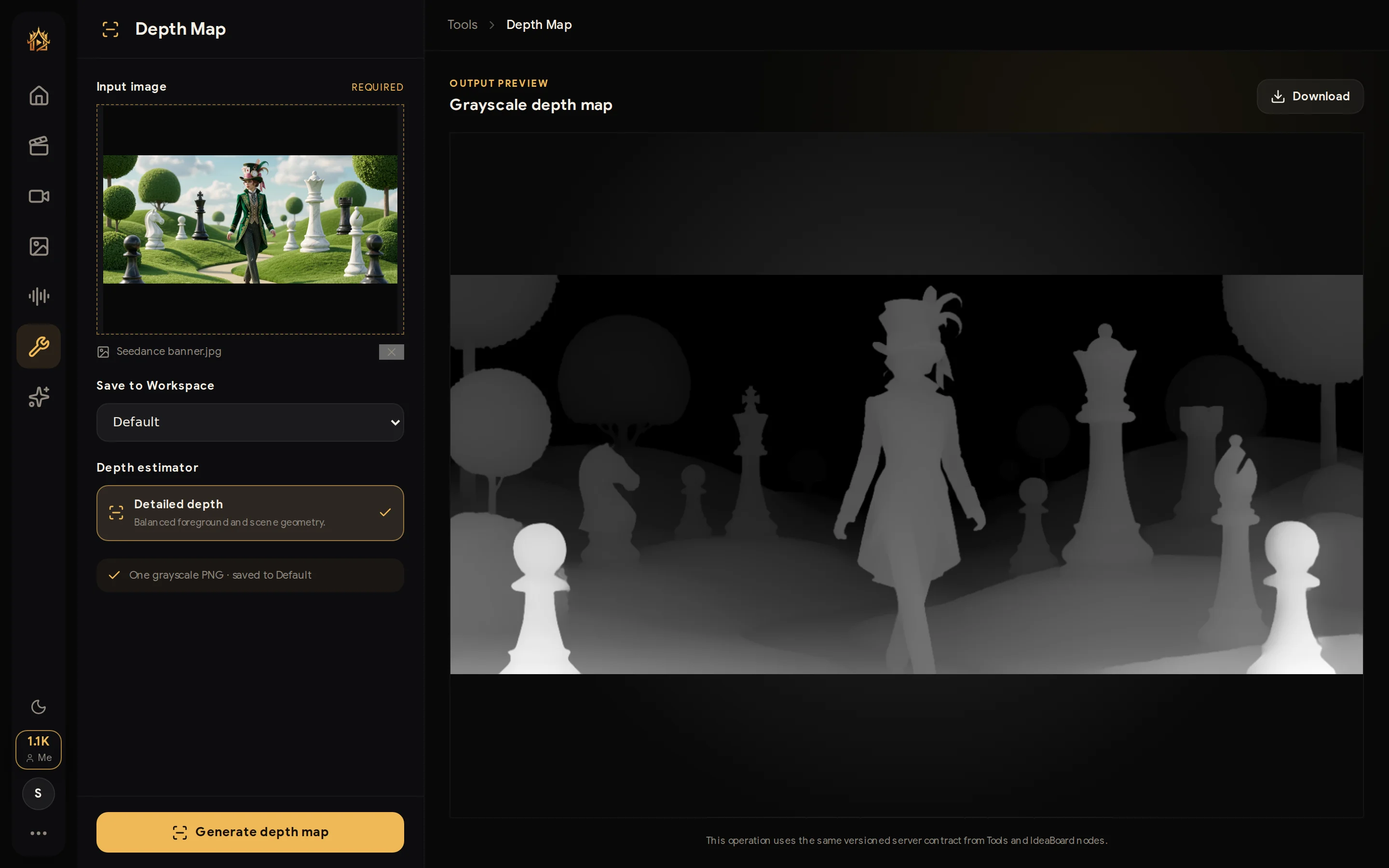
Depth Map estimates how near or far every pixel of your image is and returns a grayscale map — bright areas are close to the camera, dark areas are far away. Use it for compositing, depth-of-field, relighting, parallax motion, and other spatial effects in your editor of choice.
Open the tool
Go to Tools → Depth Map.
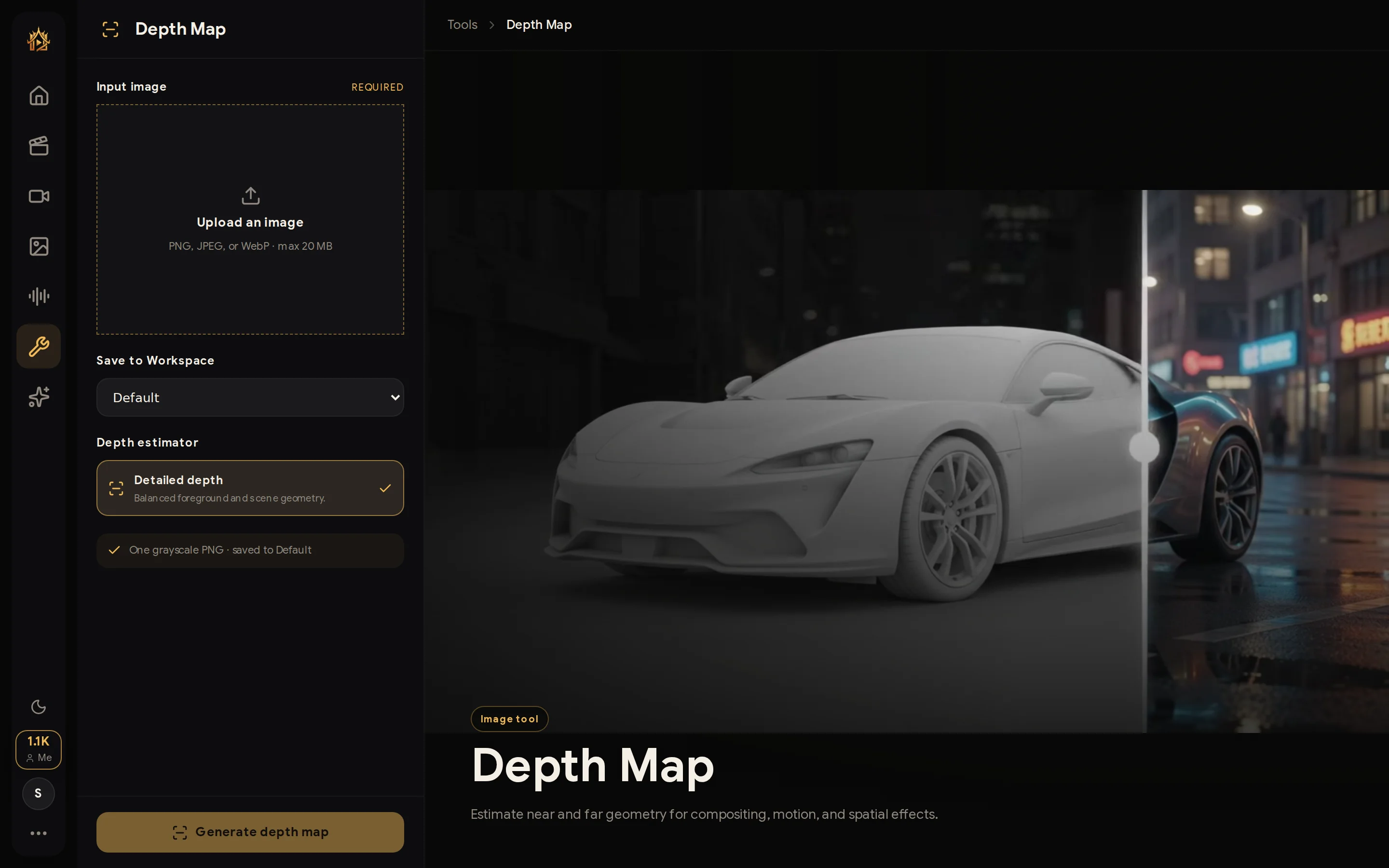
1. Upload your image
Click Upload an image (PNG, JPEG, or WebP, up to 30 MB). Pick where the result should be stored with Save to Workspace.
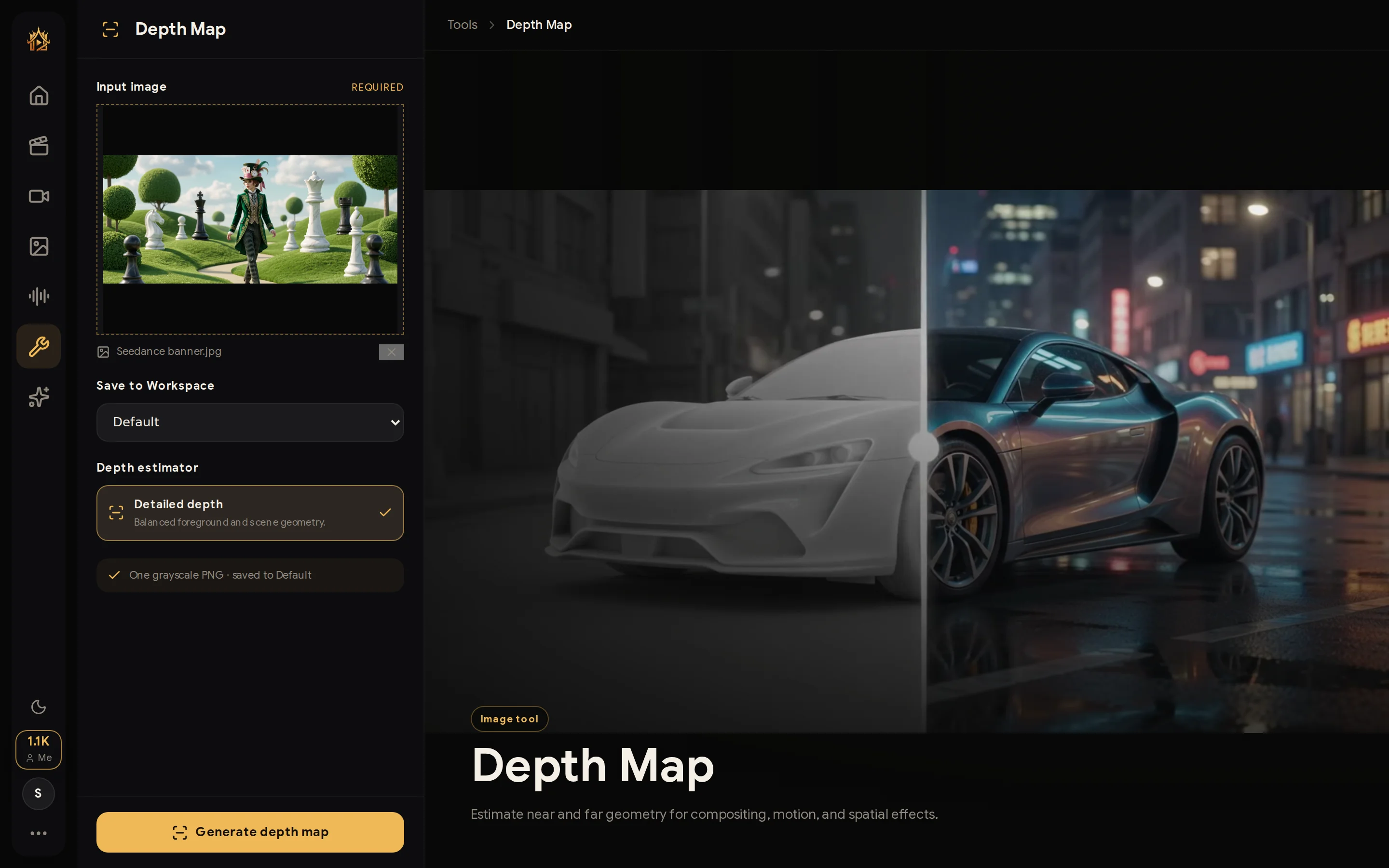
2. Generate
The Detailed depth estimator balances foreground subjects against scene geometry — press Generate depth map and wait a few seconds.
3. Use the result
The grayscale PNG appears in the output preview with a Download button, and is also saved to your Workspace history.
💡 In compositing software, plug the depth map into a blur or fog node to get realistic depth-of-field and atmosphere in one step.