
Account, Security & Transactions
Profile, password, 2FA, active sessions — and a point-by-point ledger of every generation.
WHEN TO USE
Locking down your account, or tracing exactly where every point went.
PAIRS WELL WITH
Points & Workspaces (how billing flows), Project Settings (per-project usage).
💡 Signed up with Google? Set a password anyway — you'll have a second way in, and it never hurts.
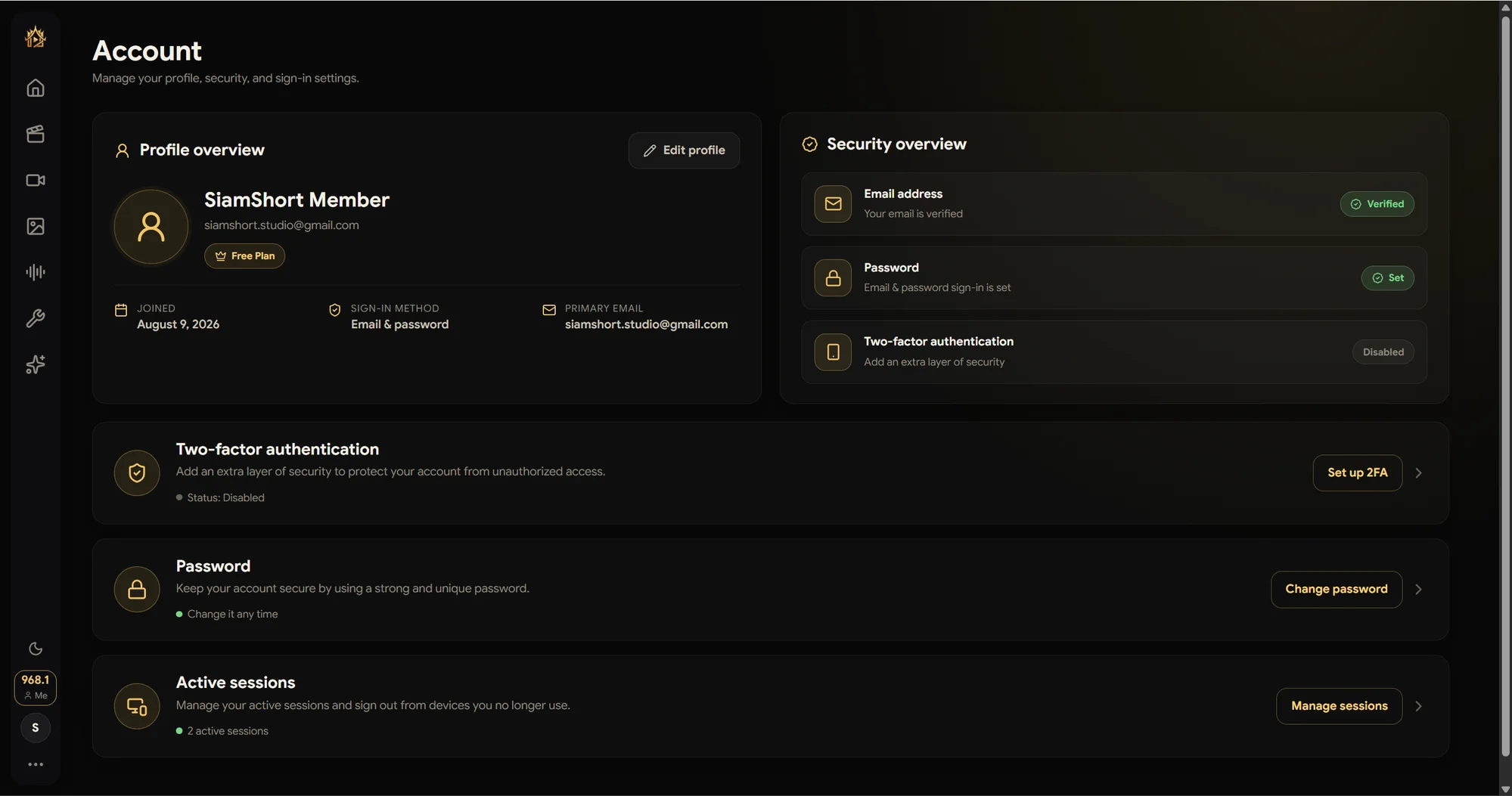
Your account page (avatar → Account) is mission control for identity and security.
Profile & security overview
Profile, plan, join date, and sign-in method at a glance — next to a Security overview that grades your setup: email verified, password set, 2FA status.
- Two-factor authentication — press Set up 2FA to add the extra layer; status is shown right on the card.
- Password — change it anytime. Signed in with Google? You can still set a password here, giving you an email + password fallback.
- Active sessions — see every signed-in device and sign out the ones you no longer use.
Credit usage — the transaction ledger
Credit usage (avatar menu) lists every transaction in the selected workspace: when, the reason, the exact workflow/model that ran, the point delta, and the balance before → after. Switch workspaces with the dropdown to audit an organization pool the same way.
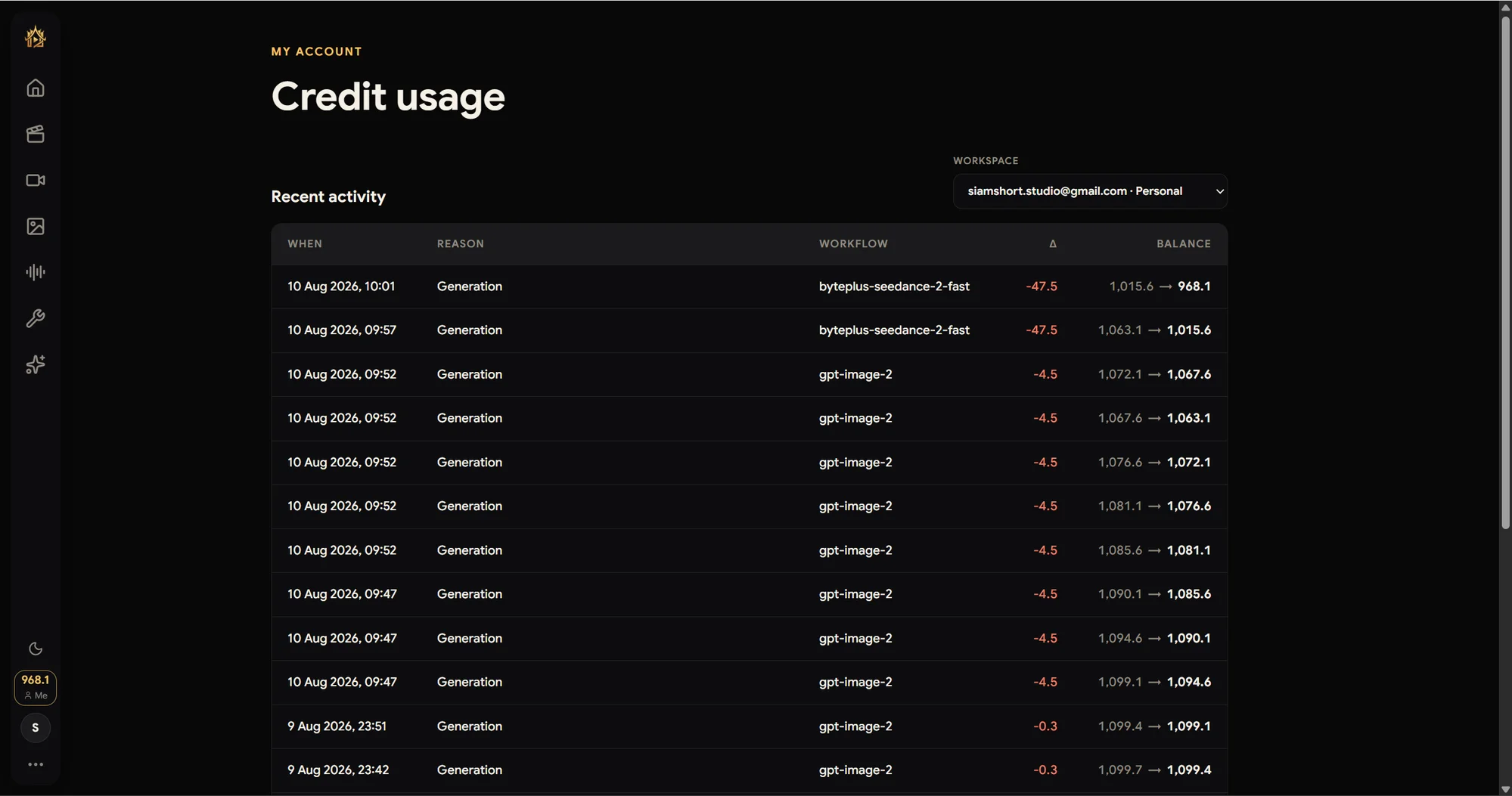
💡 Every row reconciles: the delta always matches the model's advertised price, and failed runs come back as refunds — the ledger is where you can verify both.